
Digital downloads
Upload PDFs/ZIPs, and we'll handle hosting, gating, and delivery via the thank you page, email/portal instantly.
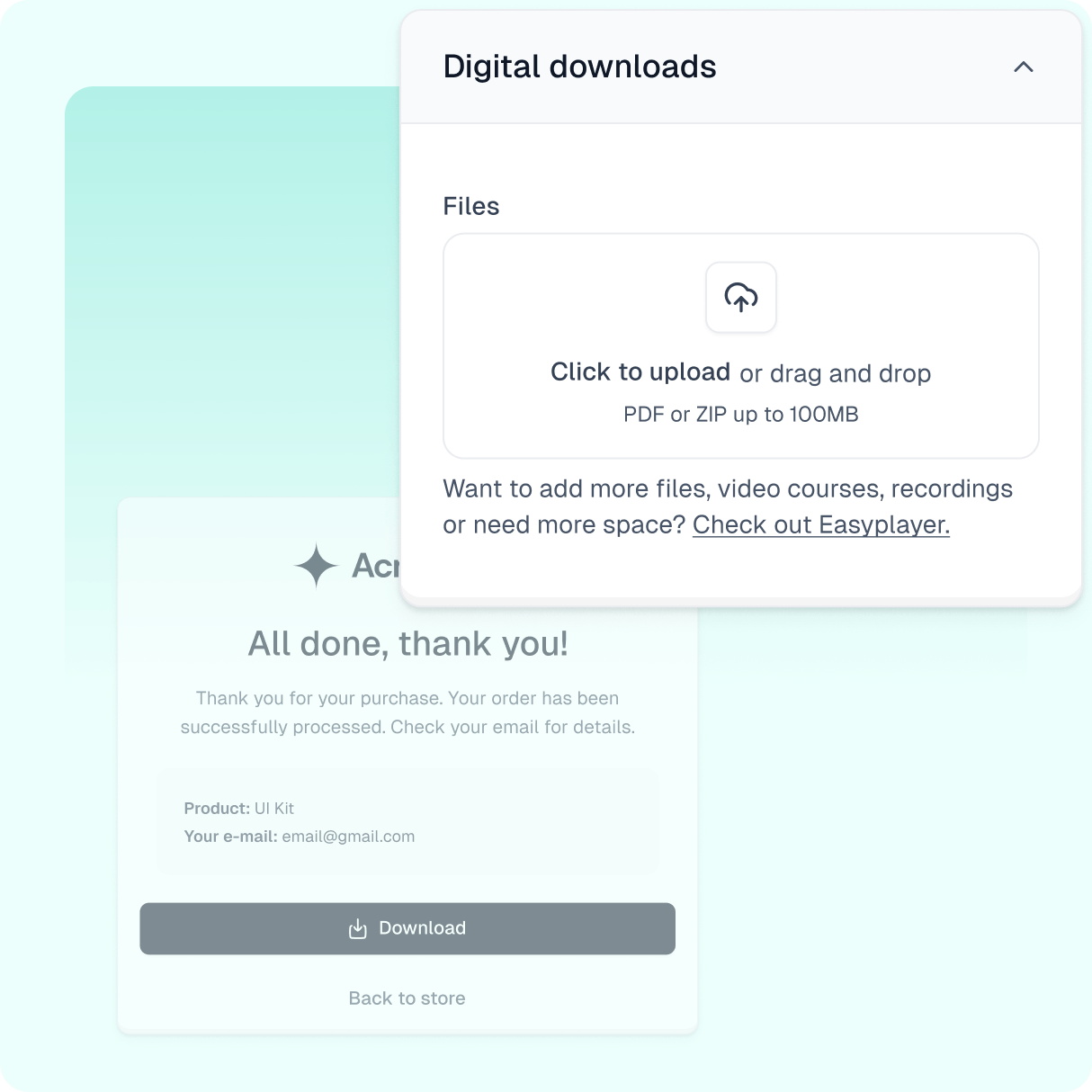
Product demo
See how this feature works
Check out the demo of this feature and try it out for yourself!
Streamline digital downloads with Easycart
Offering seamless access to digital products like e-books is crucial for your customer experience and satisfaction. That’s no brainer - your customers expect immediate and easy access to their purchases.
A simple solution? Integrate digital downloads directly into your Easycart product listings. This lets customers access files anytime during their purchase journey—with no support needed.
Let’s explore how to manage digital downloads efficiently for a smooth customer experience.
Adding digital downloads to your products
Adding digital downloads in Easycart is simple:
- Edit your product
- Find the digital download option in the basic section
- Upload files (PDFs, zips, etc.)
For multi-variant products, assign specific files to each variant via the price variants tab. This ensures customers automatically get the correct files for their chosen variant.
Enhancing the post-purchase experience
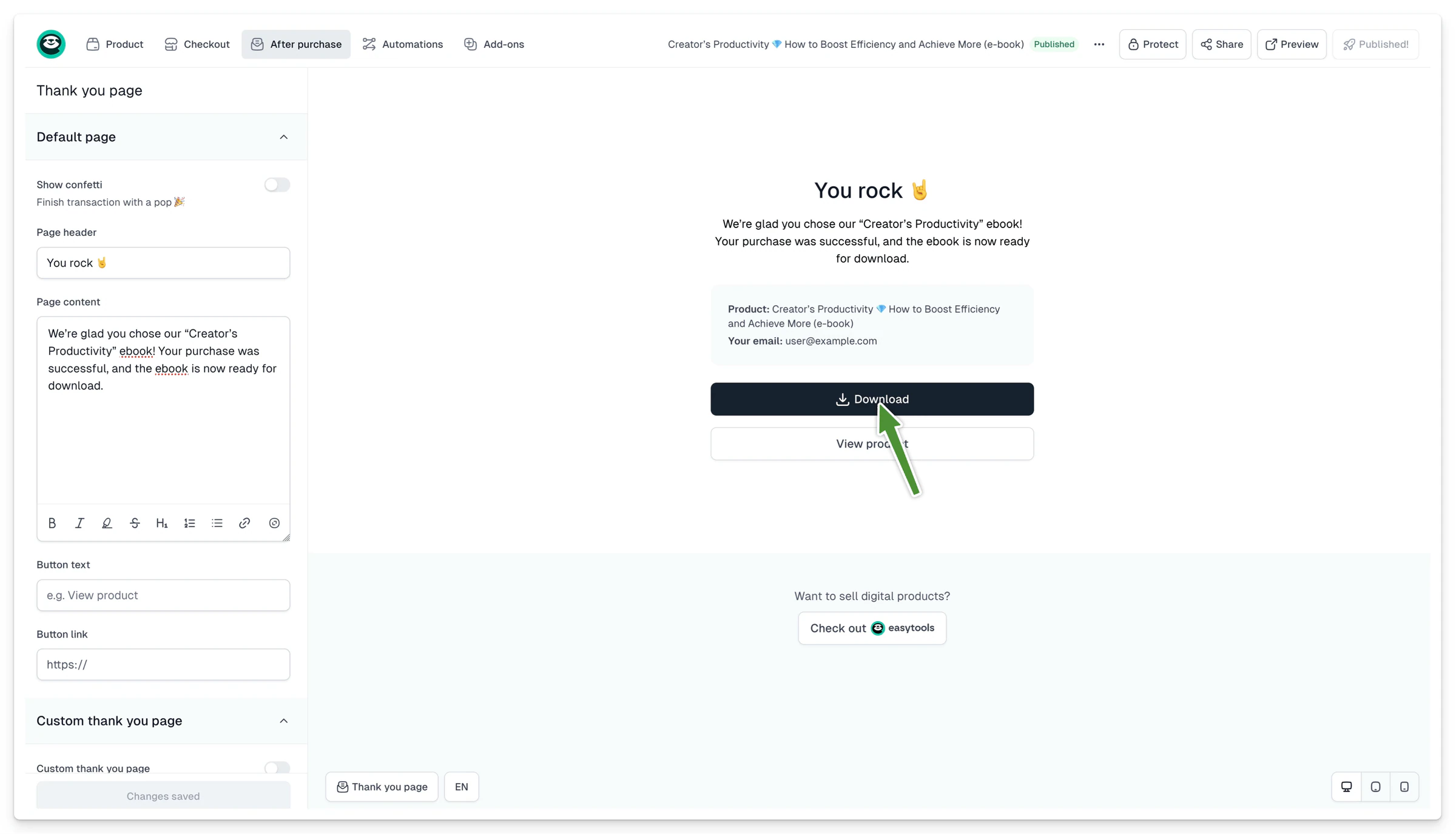
With Easycart, customers have the convenience of downloading their purchased files directly from the confirmation email or from the customer portal.
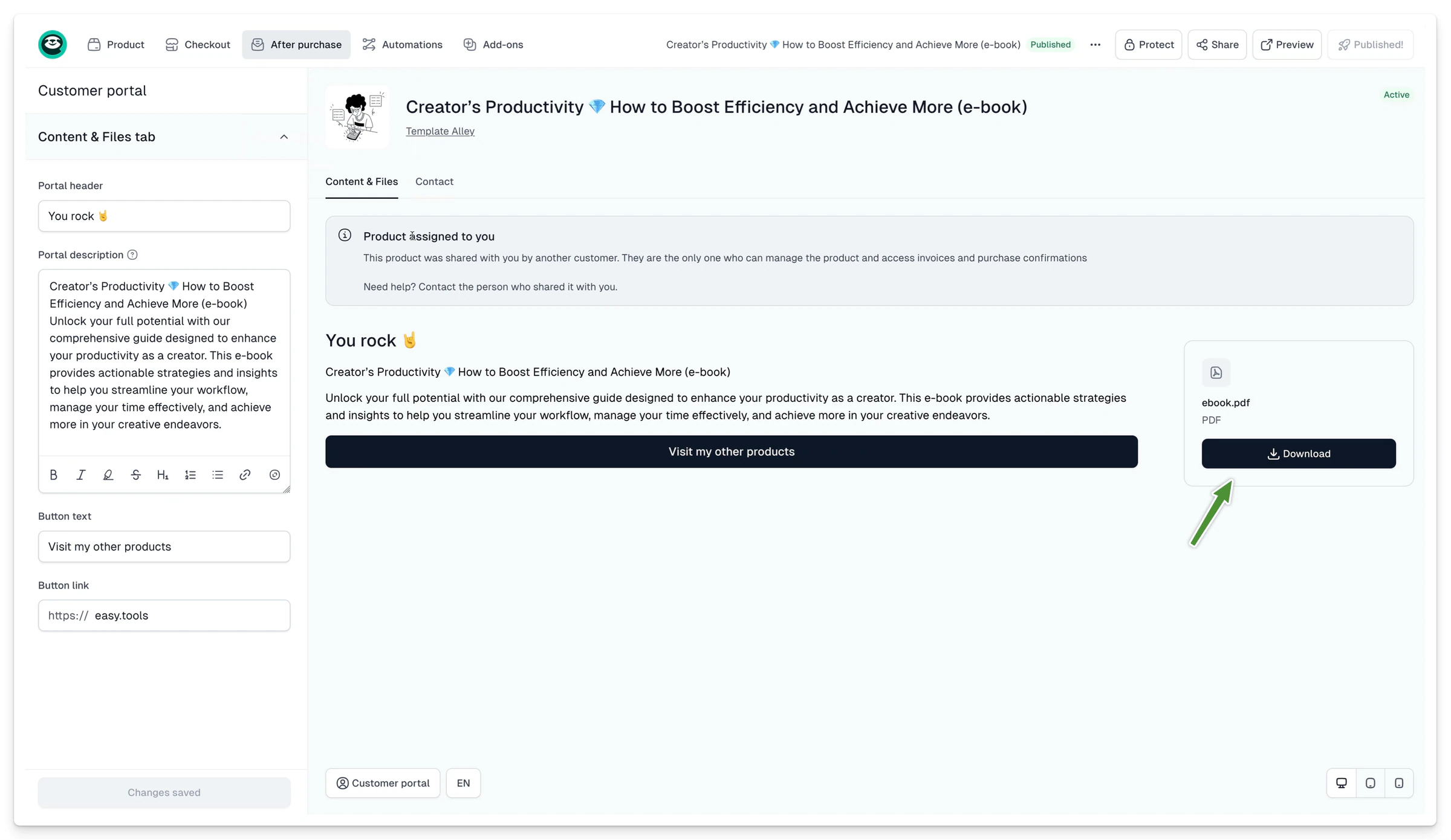
Additionally, the ‘Thank You’ page provides a download option right after the purchase. So even if they lose the email with access details, they can log in to the customer portal to access all purchased products.
Organizing your digital files
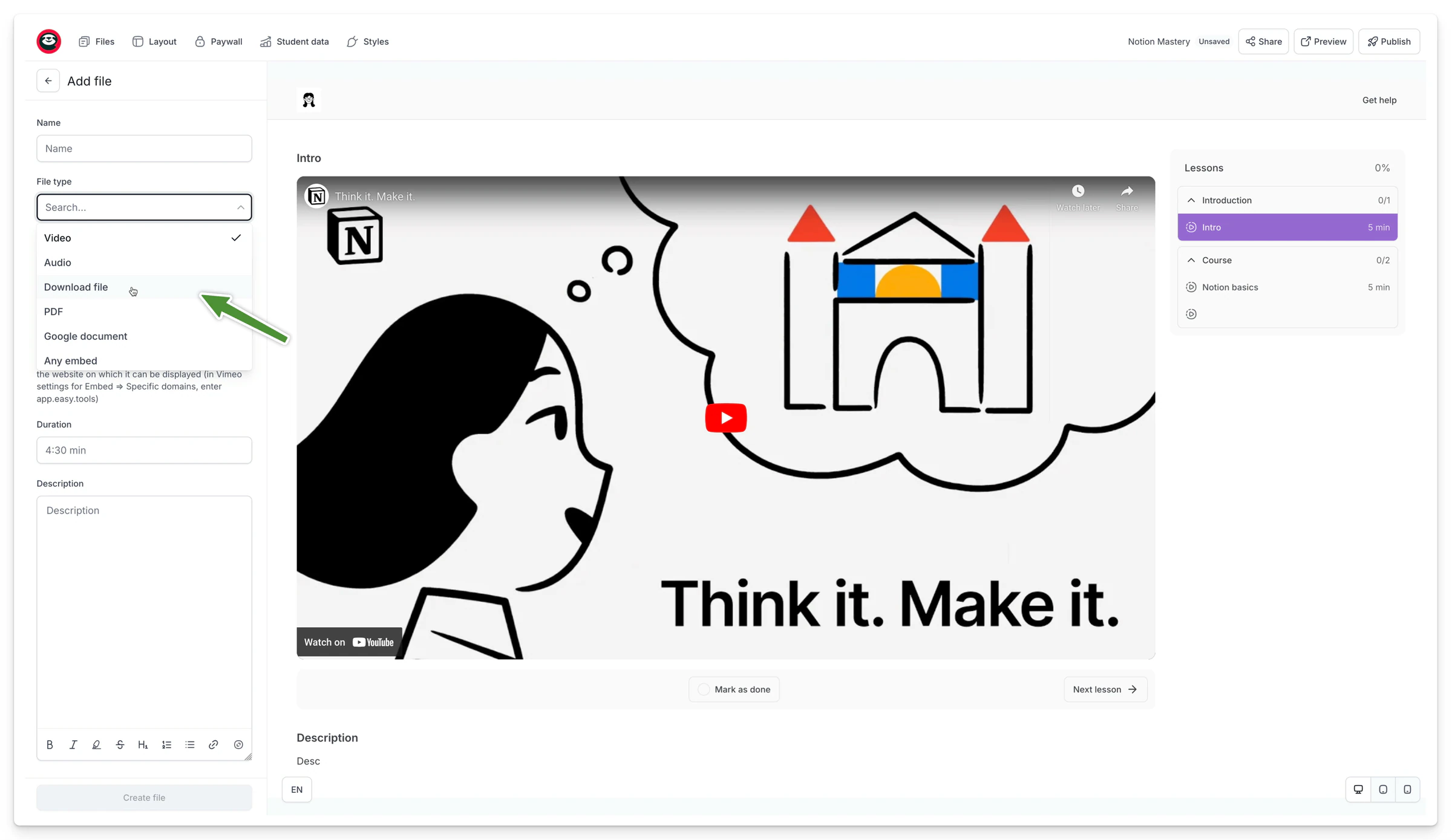
If you’re offering comprehensive digital content, organizing files in one place can provide a structured presentation and easier access. You can do this using our other tool - Easyplayer. It lets you to upload and keep your files in one place not only to facilitate navigation and add descriptions and information, enriching the overall user experience.
To wrap it up - using the digital downloads feature in Easycart not only streamlines the process of delivering purchased products but fully automates it. It is also aimed at improving your customer experience every step of the way.
Resources
Learn from our resources

Blog Posts

Guides and ebooks

Workshops

Case studies
FAQ
Here’s what we’re being asked
Have any questions about Easytools? Feel free to browse our list of frequently asked questions below or just drop us a line, we're always here and ready to lend a hand.
What is Easytools?
Easytools is an all‑in‑one platform for creators and solopreneurs who sell digital products. You can build a product page, take payments with a high‑converting checkout, send emails based on purchases, collect testimonials, and deliver your product (including courses) - all from one place.
Does all Easytools features come in one price?
Yes. All features are included in every paid plan, under one subscription. Want to start small? You can use the free plan with checkout access, then upgrade anytime when you’re ready for the full platform. To learn more details, go to our Pricing.
Do I need Stripe to use Easytools?
Yes - to sell through Easytools, you connect Stripe, the safest global payment operator. Easytools runs on top of your Stripe account, which means your payments and customer data stay in Stripe (so you’re not locked in).
Who is Easytools for?
Easytools is for anyone who creates digital products — whether you’re a team of one, a solopreneur, influencer, freelancer, or a growing business. If you want a simple way to sell online (without a complicated tool stack), you’re in the right place.
How fast can I launch my first product?
Fast. You can create your first product in about 5 minutes with our quick setup. If you still need to connect Stripe, you can usually be ready to accept payments the same day (often within an hour).
Do I need tech skills to use Easytools?
Nope. Easytools is 100% no‑code. You set things up with simple, step‑by‑step editors - no developers, no complicated configuration.
Can I cancel Easytools anytime?
Yes - you can cancel anytime. No long‑term contracts and no strings attached. And because Easytools runs on top of your Stripe account, your payments and sales data stay with you in Stripe. So if you ever decide to stop using Easytools, you’re not losing access to your core sales history and customer data.
Can you help me migrate from another platform?
Yes, we're always ready to help! Tell us what you’re using now and what you want to move, and we’ll guide you through the switch.
Can I integrate Easytools with my existing tool stack?
Absolutely! We’re continually expanding our list of native integrations because we believe that using tools you’re familiar with makes your work faster and easier. And if a tool isn’t on our integration list yet, no worries! You can always send your data from Easytools to a webhook and set up advanced automations or integrations using Make or Zapier.
What kind of support do you offer?
You can reach us via chat and email (and book a call when you need it). You also get access to our knowledge base, onboarding help, and weekly sessions - plus a creator community if you want to connect with others.
Take it easy with Easytools
Focus on creating, and let Easytools handle the behind the scenes work.
No coding · No credit card required · Built on Stripe