You can sell the same product for any amount without creating a new price variant - just generate a link with the price you choose. This works well when you charge clients for custom services: you keep one product and send each client a payment link with their individual price.
Important: custom prices work only with one-time payments. You cannot use them for subscriptions.
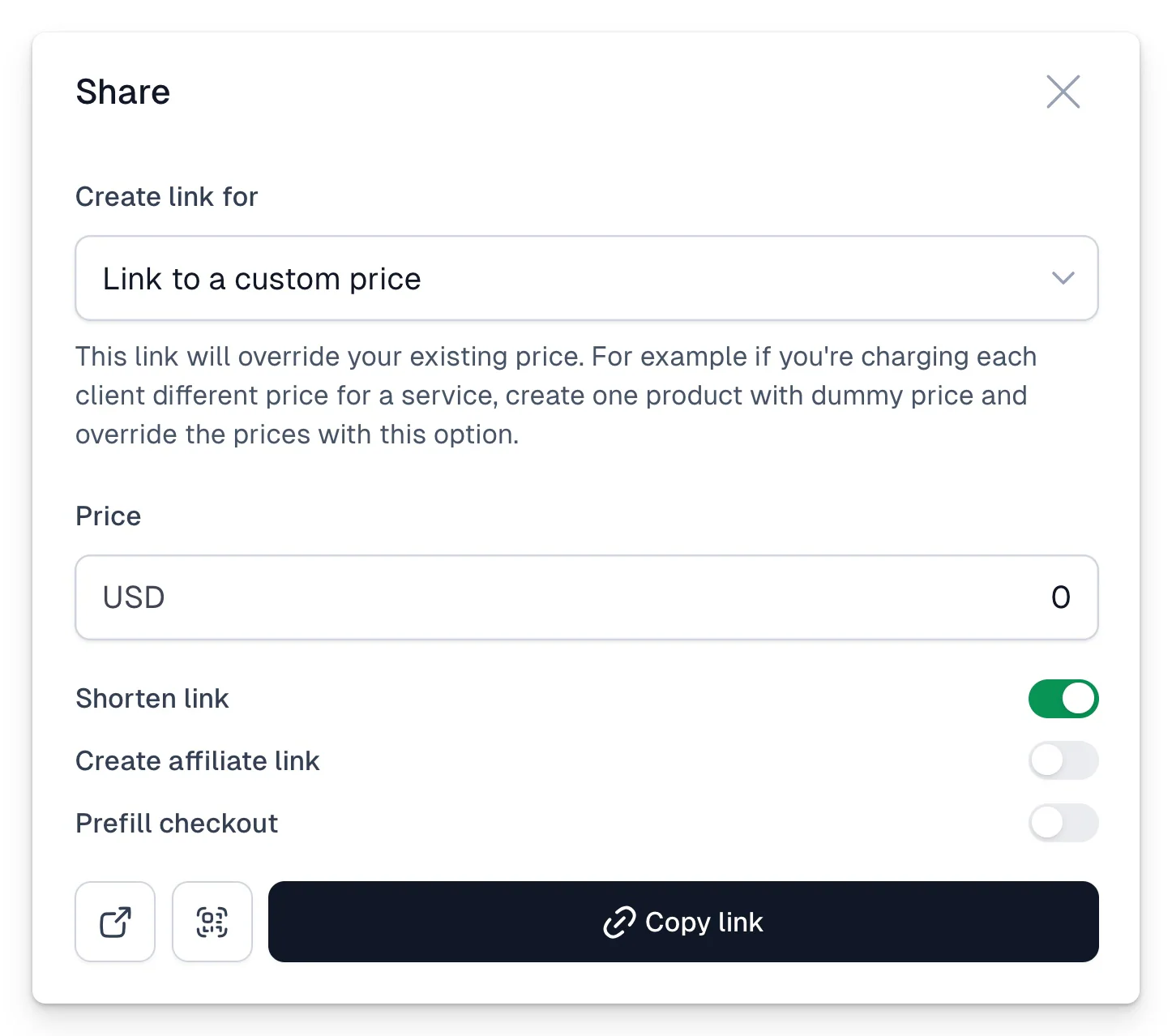
Generate a custom price link manually
- Open your product and click Share.
- Choose Link to a custom price.
- Enter the price and confirm it.
- Copy link and send it to your customer.
Generate prices through the API
You can also generate custom prices fully automatically. Send a GET request to:
https://cart.easy.tools/api/dynamic-price/STRIPE_PRODUCT_ID/AMOUNTYou will need your API token - generate it in Store settings → API and Webhooks.
Generate prices from your back-end. Generating them in the browser (front-end) is possible, but we don’t recommend it for most cases - a clever user could generate any price for themselves. It only makes sense if you deliberately want visitors to set their own amount.
A convenient middle ground is automation - for example a Make scenario that generates the link for you. The Make blueprint is available for download here, and an example HTML page that sends the request is here (fill in your product ID and API token before using it).
Link parameters
You can add extra parameters at the end of the generated link:
?promo=1- lets the customer use a promo code at checkout,?net=1- shows the net price in the checkout.
For example: https://cart.easy.tools/api/dynamic-price/PRODUCT_ID/AMOUNT?promo=1